

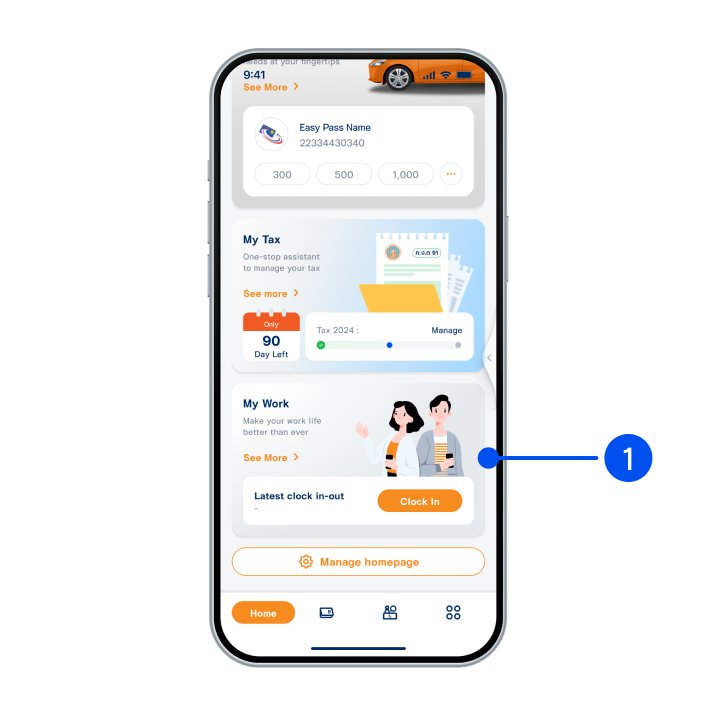
1. Select “Account”, the 2nd menu from the bottom.
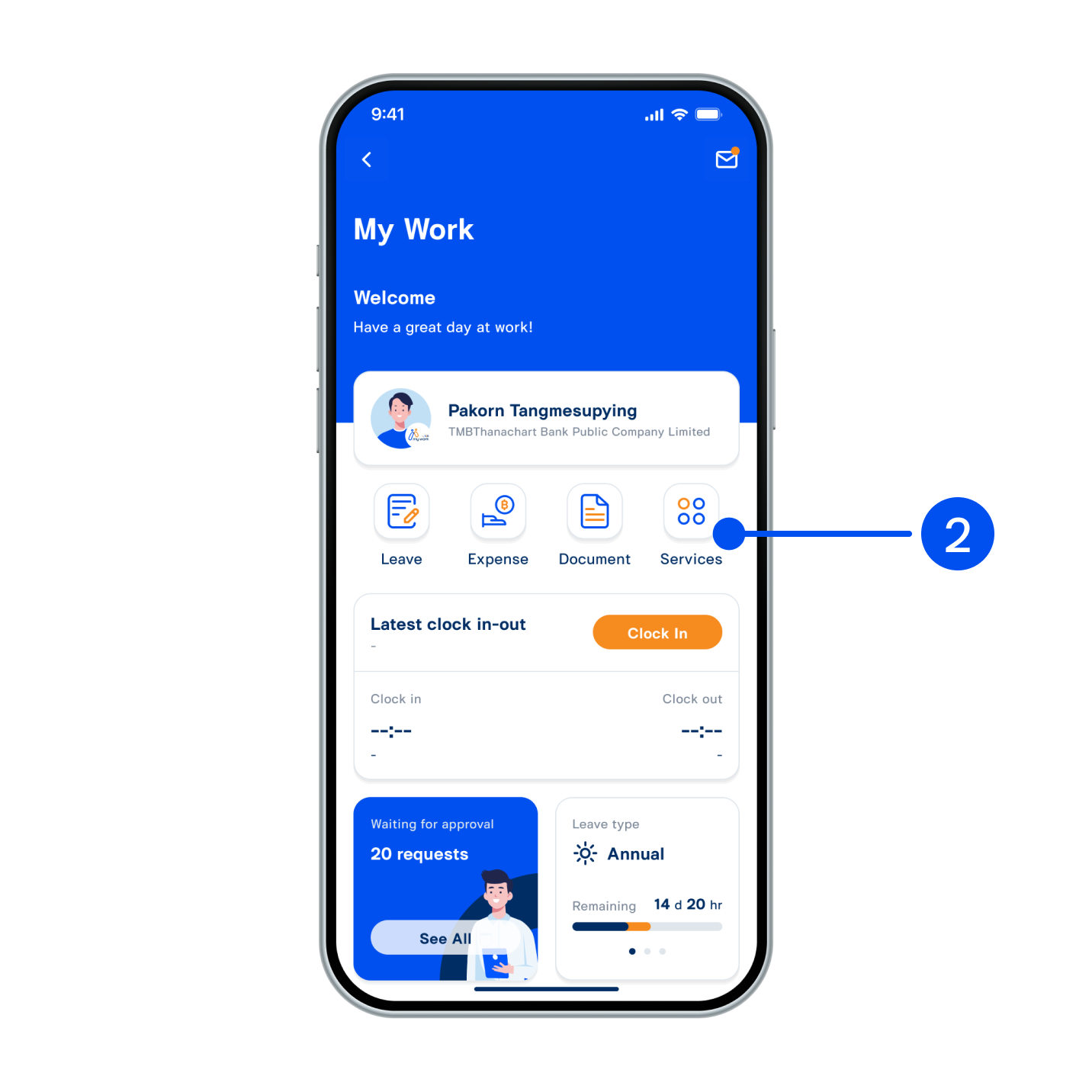
2. Select "Card" tab at the top, then select the card you wish to manage usage limit.
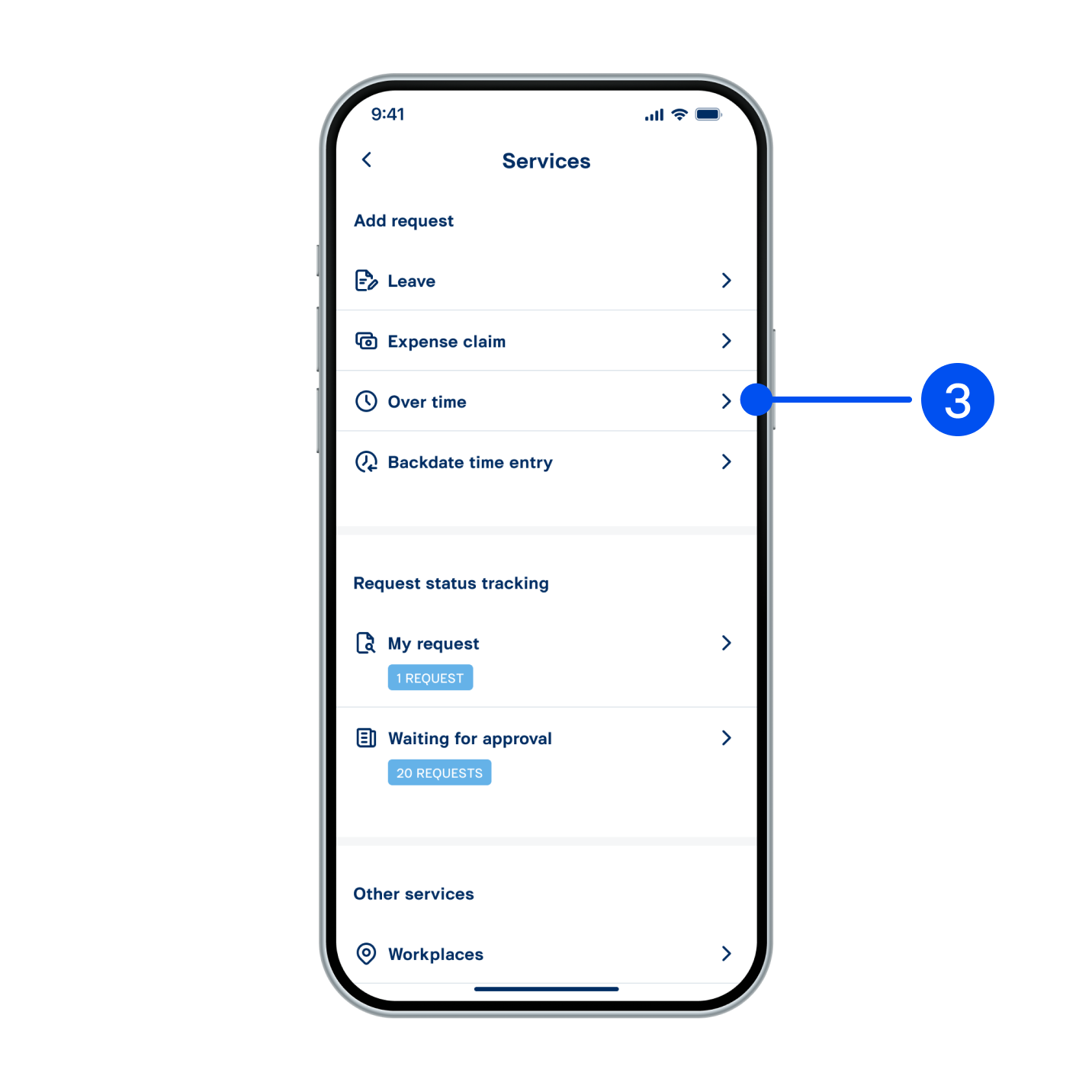
3. Select “More”.
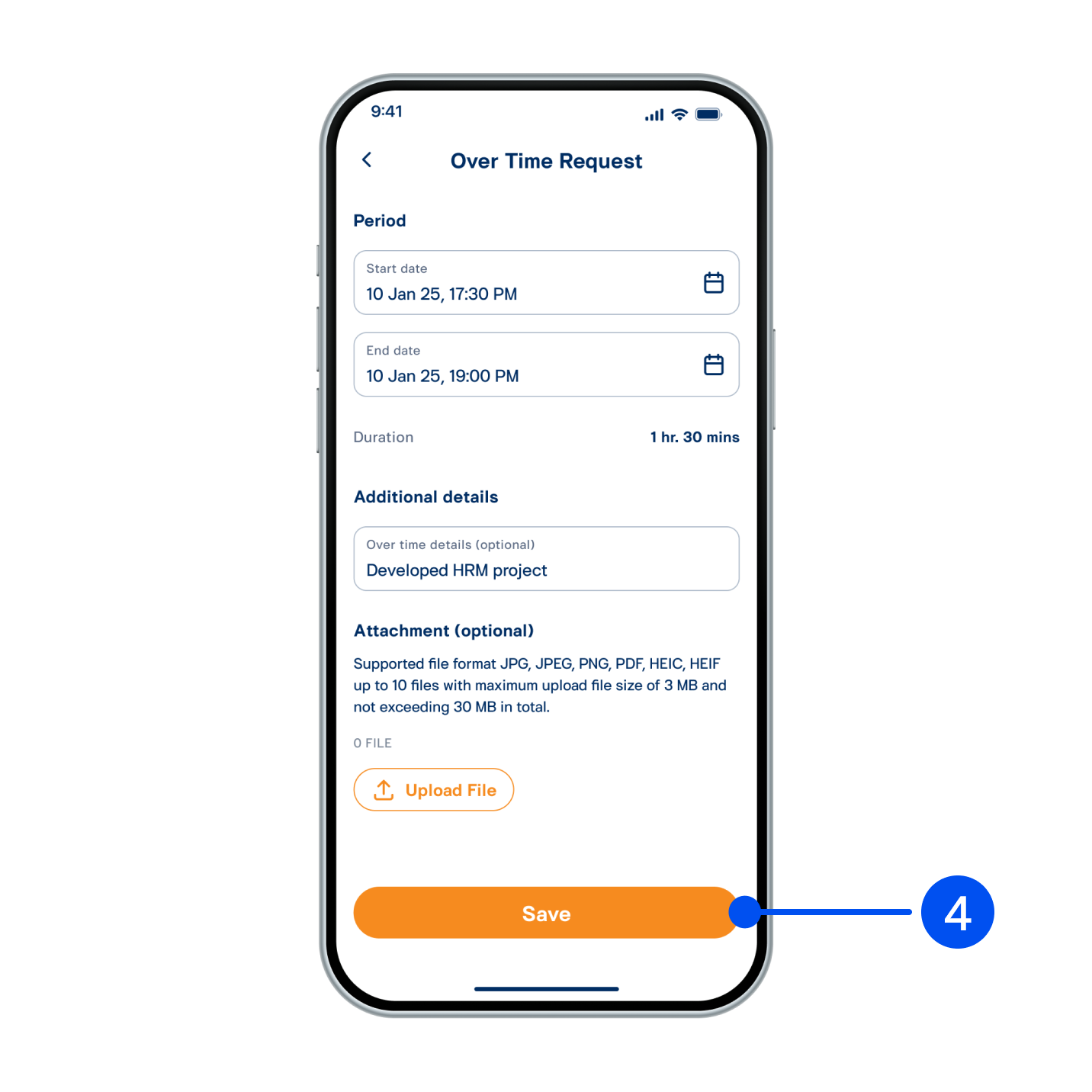
4. Select “Manage Usage Limit”.
5. Scroll down, then select “Manage limits by category”.
6. From "Set limit" page:
6a) Select the required category.
6b) Enter the required limit amount.
6c) Select "Save."
6a) Select the required category.
6b) Enter the required limit amount.
6c) Select "Save."

7. Check the details and select “Confirm” to proceed.

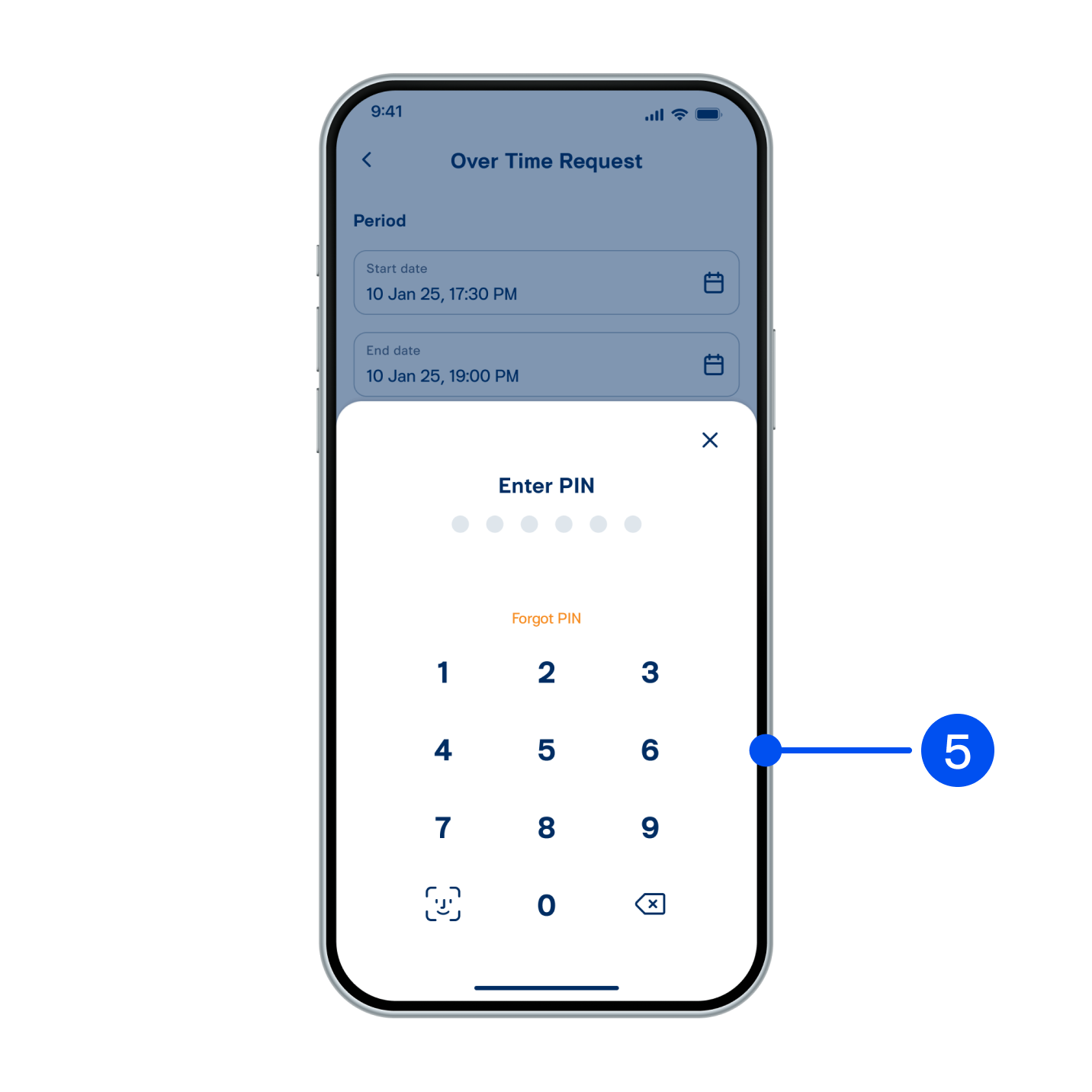
8. Enter PIN to confirm.

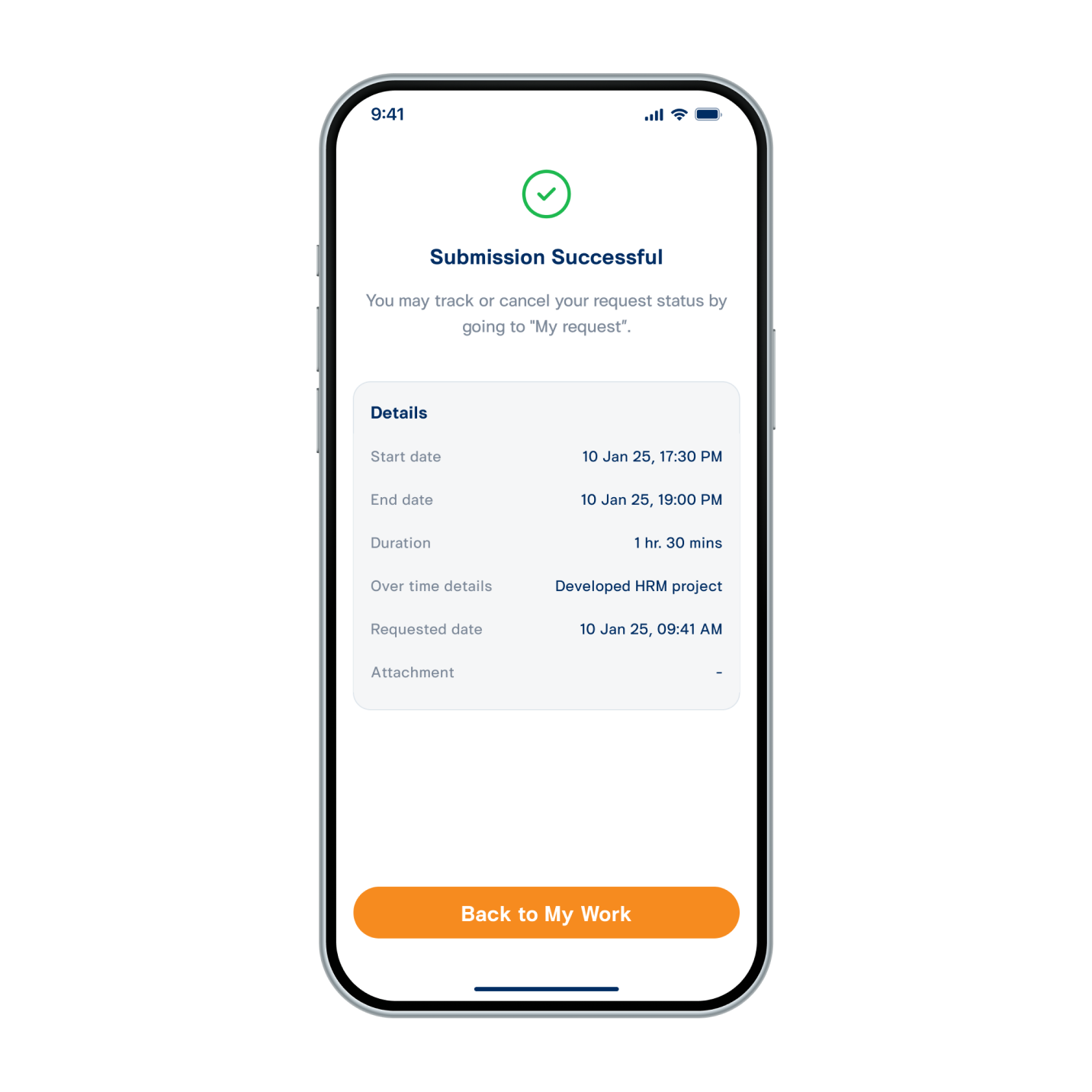
9. Usage limit managed successfully.